> For the complete documentation index, see [llms.txt](https://help.adalo.com/llms.txt). Markdown versions of documentation pages are available by appending `.md` to page URLs; this page is available as [Markdown](https://help.adalo.com/integrations/xano-integration/setup-your-xano-workspace.md).
# Setup Your Xano Workspace
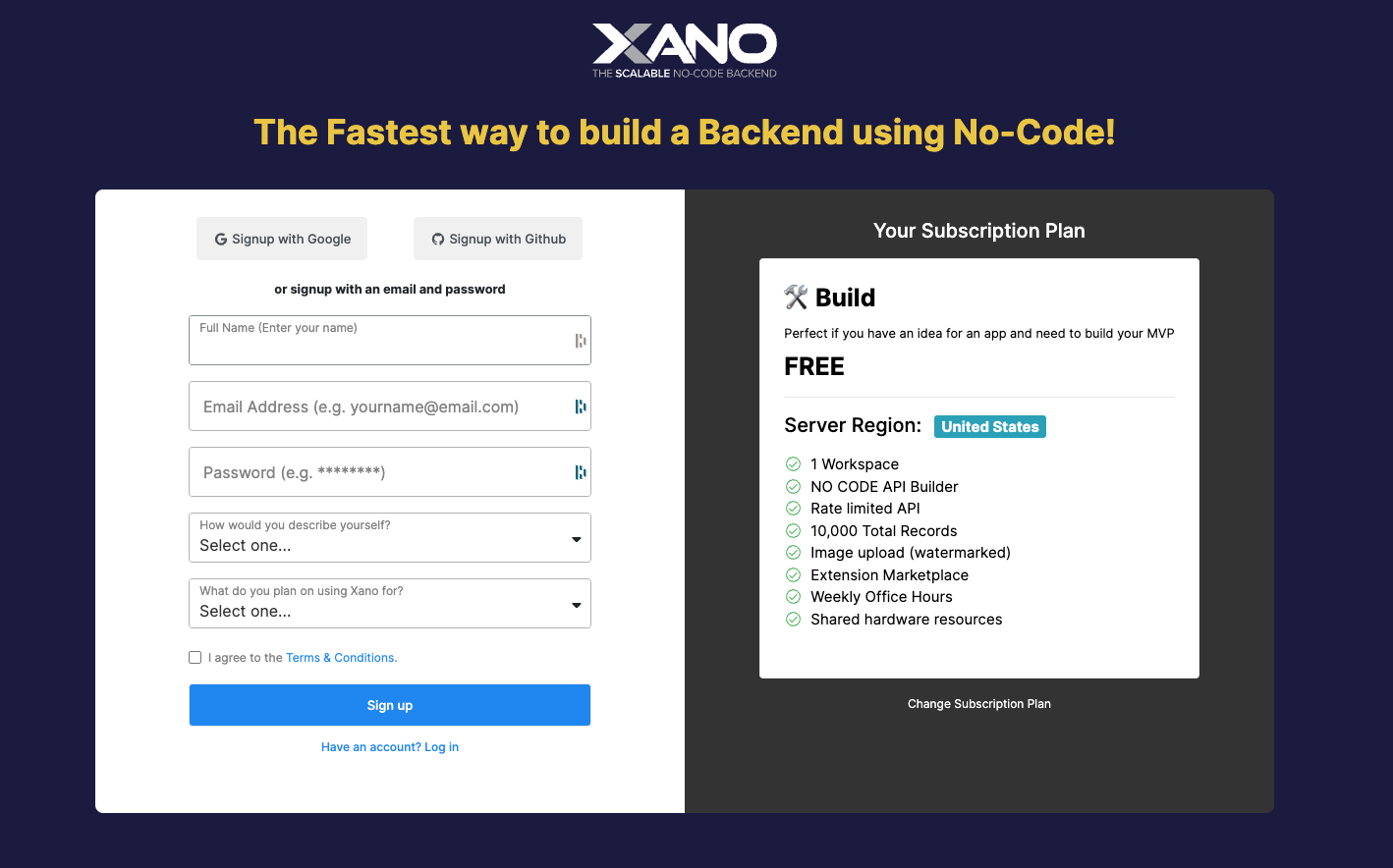
After creating a Xano account, you will be taken through the Workspace setup, where you can establish some initial settings.
*Skill Level: Intermediate*
## Before You Begin
* Ensure you have good knowledge of Adalo's [Database](/database.md), [Actions](/actions.md), and [Components](/component-basics/component-basics.md) before attempting this integration.
* You will need to be on the Team or Business Adalo plan in order to integrate Xano with Adalo.
## Walkthrough
#### 1. Create a Xano account, if you have not already.
You can create a Xano account [here](https://app.xano.com/admin/signup), by signing up with email, Google, or a Github acccount.
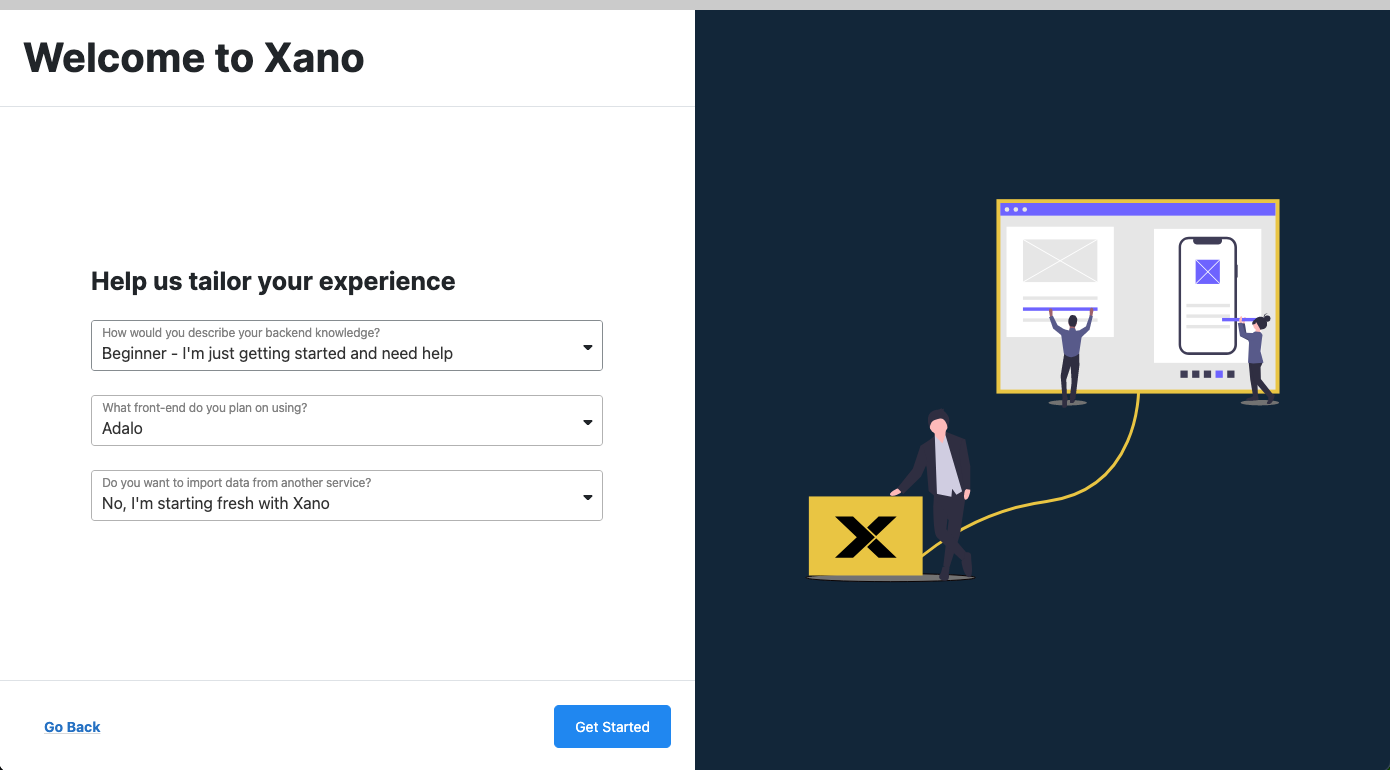
#### 2. Fill out the Workspace setup form
Make sure you choose "Adalo" as your front-end and "Starting fresh with Xano" as your data service.
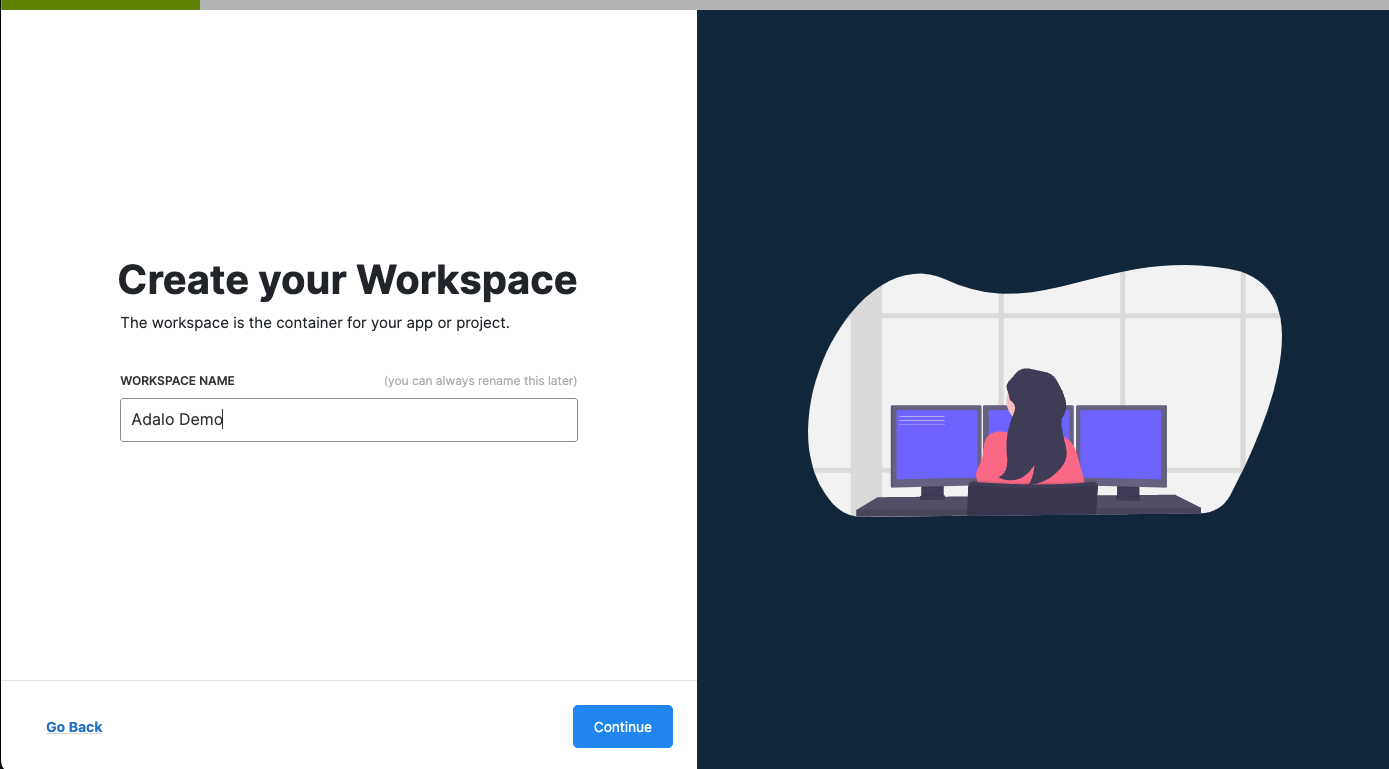
#### 3. Create a name for your workspace or app, then click Continue.
You can change it later if you want!
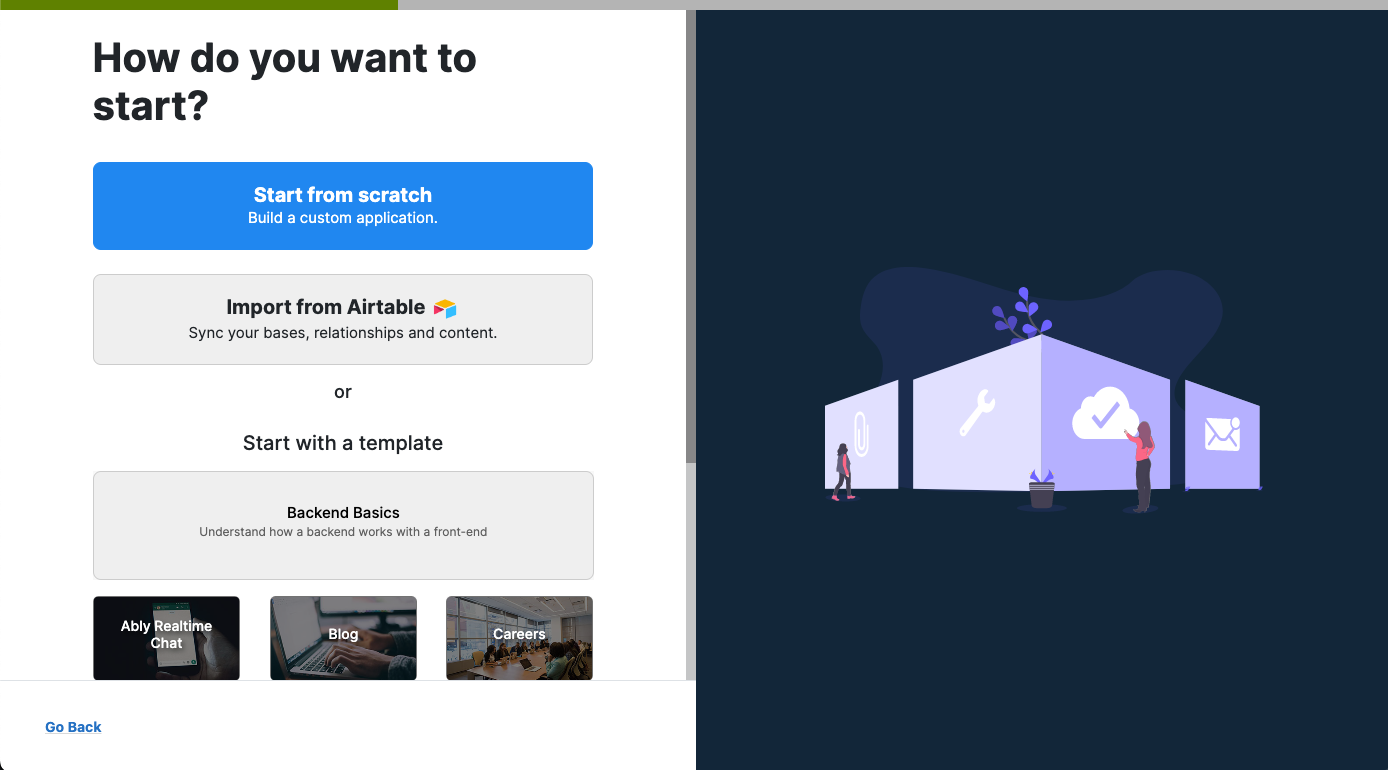
#### 4. Choose start from scratch.
You can certainly choose other methods as well, but if you're just getting started it's best to start from scratch with a blank Xano database.
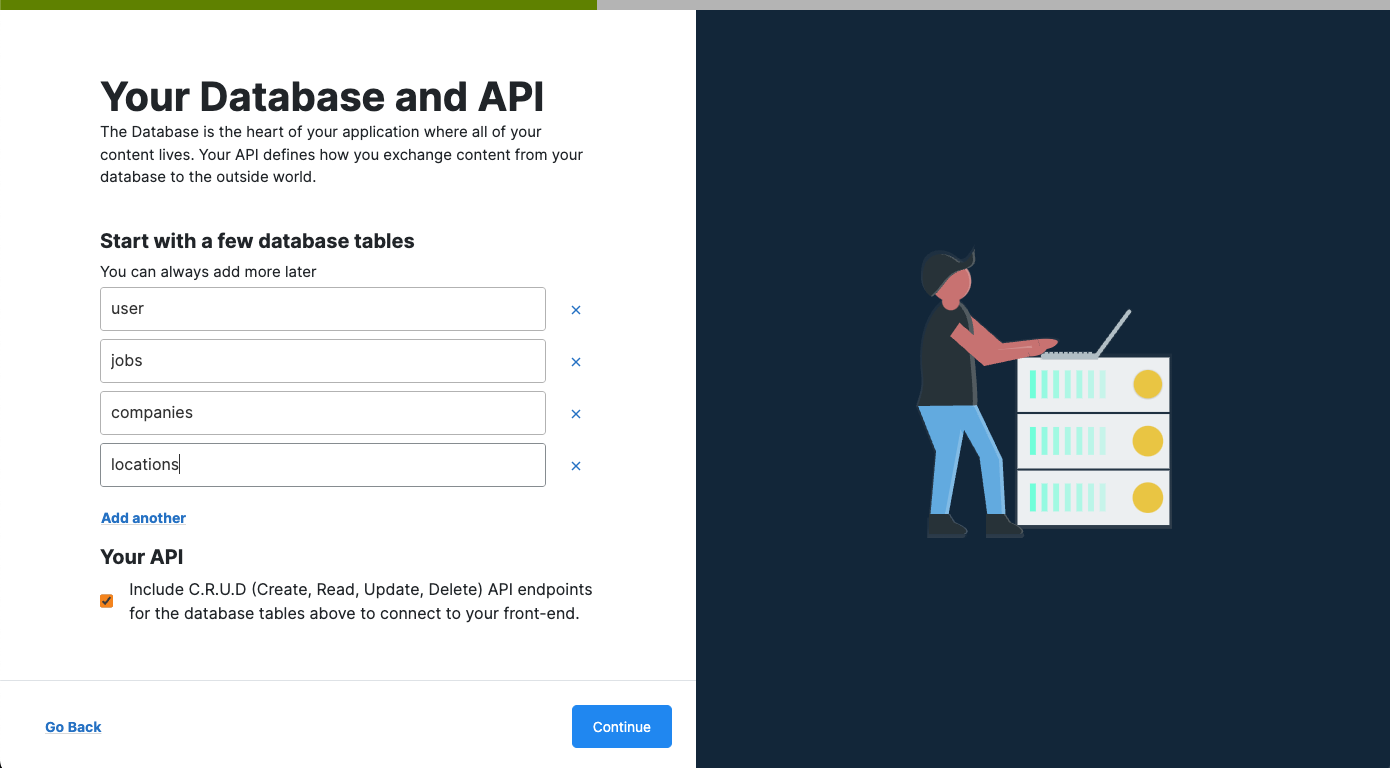
#### 5. Create the initial tables (collections) in your Xano database and click Continue.
Xano tables are equivalent to Collections in Adalo. You can always add, remove, or rename them later if you wish! In the example below, we're making tables for Jobs, Companies, and Locations.
{% hint style="info" %}
**NOTE:** The Users table is provided by default and it's best to leave it labeled as "Users" as this is how Adalo will match it up so your users can signup and login. Be sure to also check the option to include C.R.U.D so Adalo can perform Actions on your database tables.
{% endhint %}
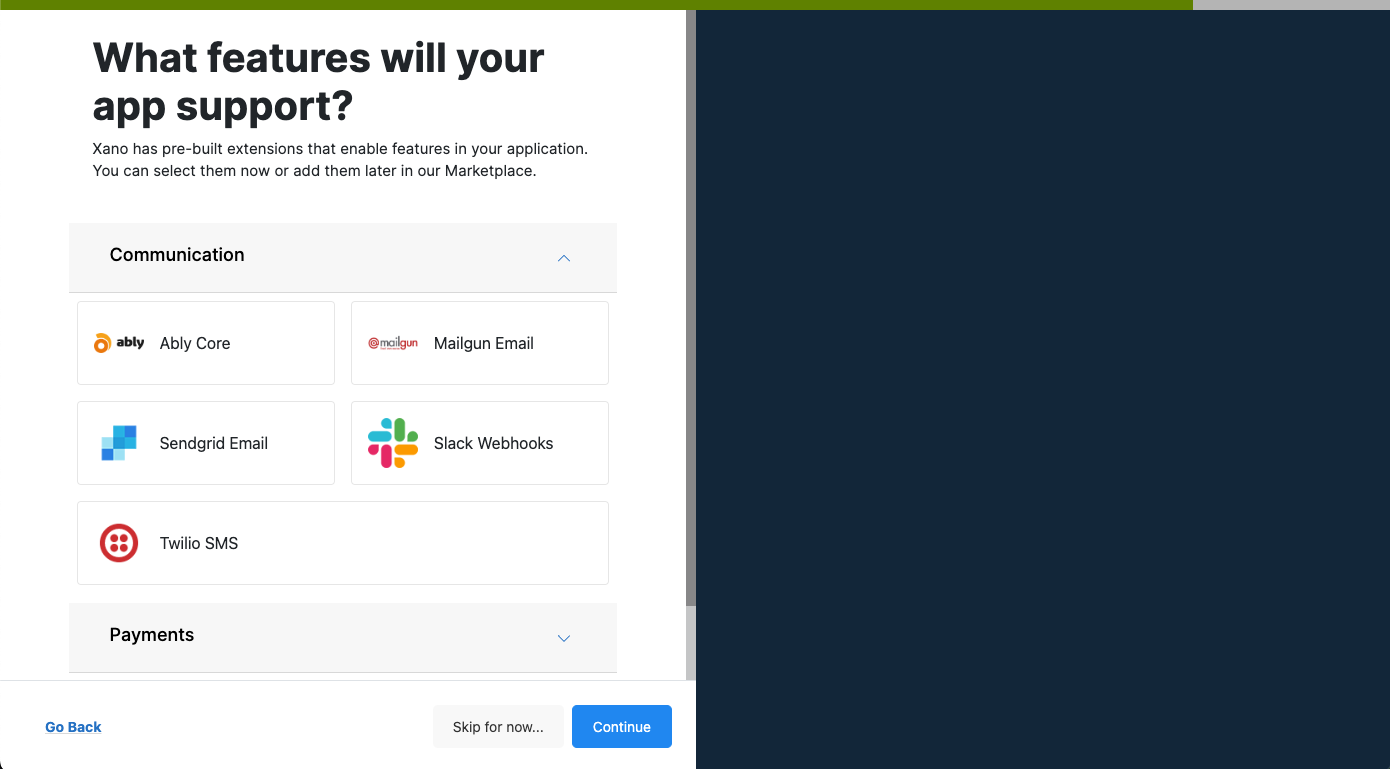
#### 6. If your app will make use of external services such as SendGrid, Twilio, or others, be sure to select those here. Then, click Continue.
Xano will autocreate the necessary endpoints and functions to be able to use these services so that you can save valuable time in setting them up from scratch. These are optional and you can always add or remove services later if you want as well.
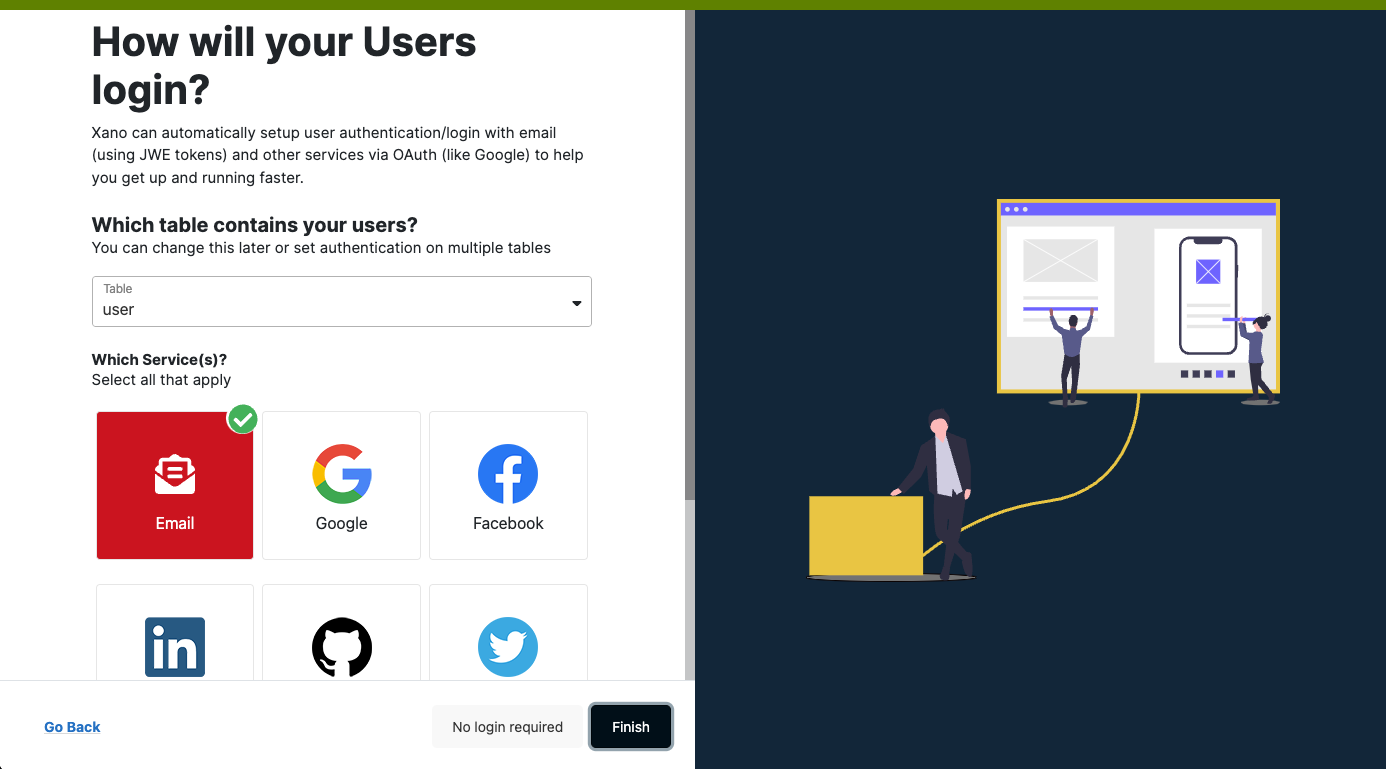
#### 7. Select which table will contain your users and how your users will signup and login from your app (also called authentication), then click Finish.
We highly recommend starting with Email first, then add other authentication options later on.
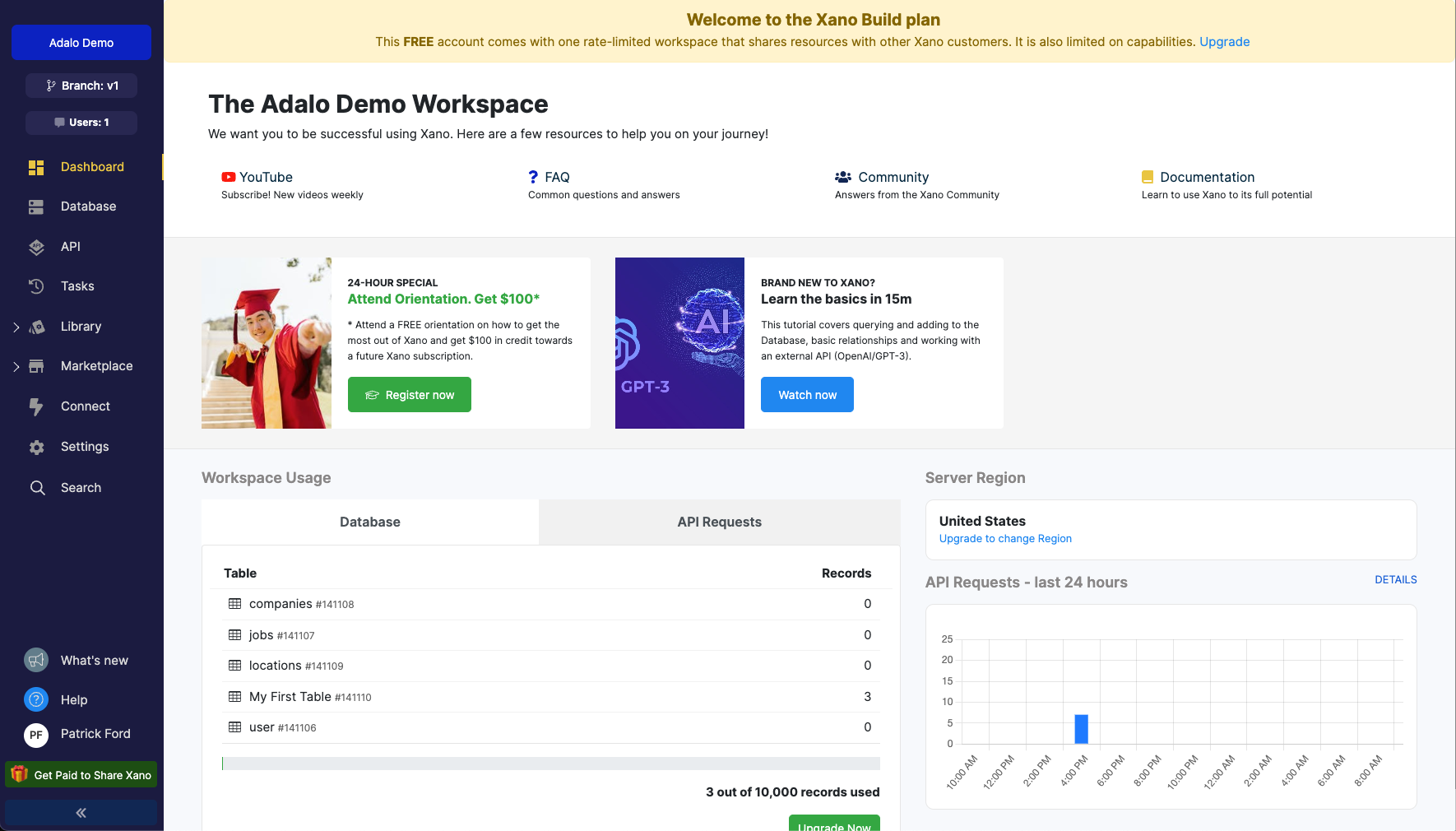
#### 8. Welcome to the Xano dashboard for your app's backend!
In the next help doc, we'll look at connecting your Xano instance with an Adalo app.
## Learn More
* By default, Xano places you on their free Build plan, but you can upgrade at any time to get access to more API requests, scaling options, server locations, more records, task creation, and more. See their [pricing](https://www.xano.com/pricing/) page for more info.
## Help
As with all integrations, Adalo is only able to provide support for the Adalo side of the integration. For assistance with your Xano account, dashboard, or implementation, please use the Xano [documentation](https://docs.xano.com/), Xano [community](https://community.xano.com/), [Xano University](https://www.youtube.com/nocodebackend), or contact [Xano Support](https://www.xano.com/contact/) directly.
If you need additional help with this article, you can always ask in our[ community forum](https://forum.adalo.com/)! Be sure to paste the link to this article in your post as well! We also have a [Xano Course on the Adalo App Academy](https://appacademy.adalo.com/course/getting-started-with-xano) that you may find helpful!
Do you have a tutorial or help doc request? [Let us know!](https://ideas.adalo.com/tutorial-requests)
---
# Agent Instructions
This documentation is published with GitBook. GitBook is the documentation platform designed so that both humans and AI agents can read, navigate, and reason over technical content effectively. Learn more at gitbook.com.
## Querying This Documentation
If you need additional information that is not directly available in this page, you can query the documentation by asking a question.
Perform an HTTP GET request on the following URL with the `ask` and `goal` query parameters:
```
GET https://help.adalo.com/integrations/xano-integration/setup-your-xano-workspace.md?ask=&goal=
```
`ask` is the immediate question: it should be specific, self-contained, and written in natural language.
`goal` is what the user is ultimately trying to achieve, the reason they need the answer. Sharing it helps GitBook give you a better, more relevant answer. A goal is most helpful when it describes the outcome the user wants rather than restating the question. For example, with `ask=how do I create an API token`, a goal like `automate deployments from our CI pipeline` lets GitBook tailor the answer to that use case.
The response will contain a direct answer to the question and relevant excerpts and sources from the documentation.
Use this mechanism when the answer is not explicitly present in the current page, you need clarification or additional context, or you want to retrieve related documentation sections.