> For the complete documentation index, see [llms.txt](https://help.adalo.com/llms.txt). Markdown versions of documentation pages are available by appending `.md` to page URLs; this page is available as [Markdown](https://help.adalo.com/ja/feature-templates/agree-and-sign/signatures-admin-screen.md).
# 署名管理画面
合意と署名機能テンプレートの管理者は、提出された署名を確認し、条件が受け入れられたことを確認してからさらなる措置を取ることができます。
署名管理画面を使用すると、管理者はAdaloにログインせずにデータベースからこれらの署名を管理する前に提出された署名を確認することができます。 署名が参加のための免責事項に署名するか、機器をレンタルする前に同意するかに関係なく、管理者は顧客によって署名が取得されたことを認識する必要があります。そのためには、この画面が最も簡単な方法です!
## コンポーネント
### **リストコンポーネント**
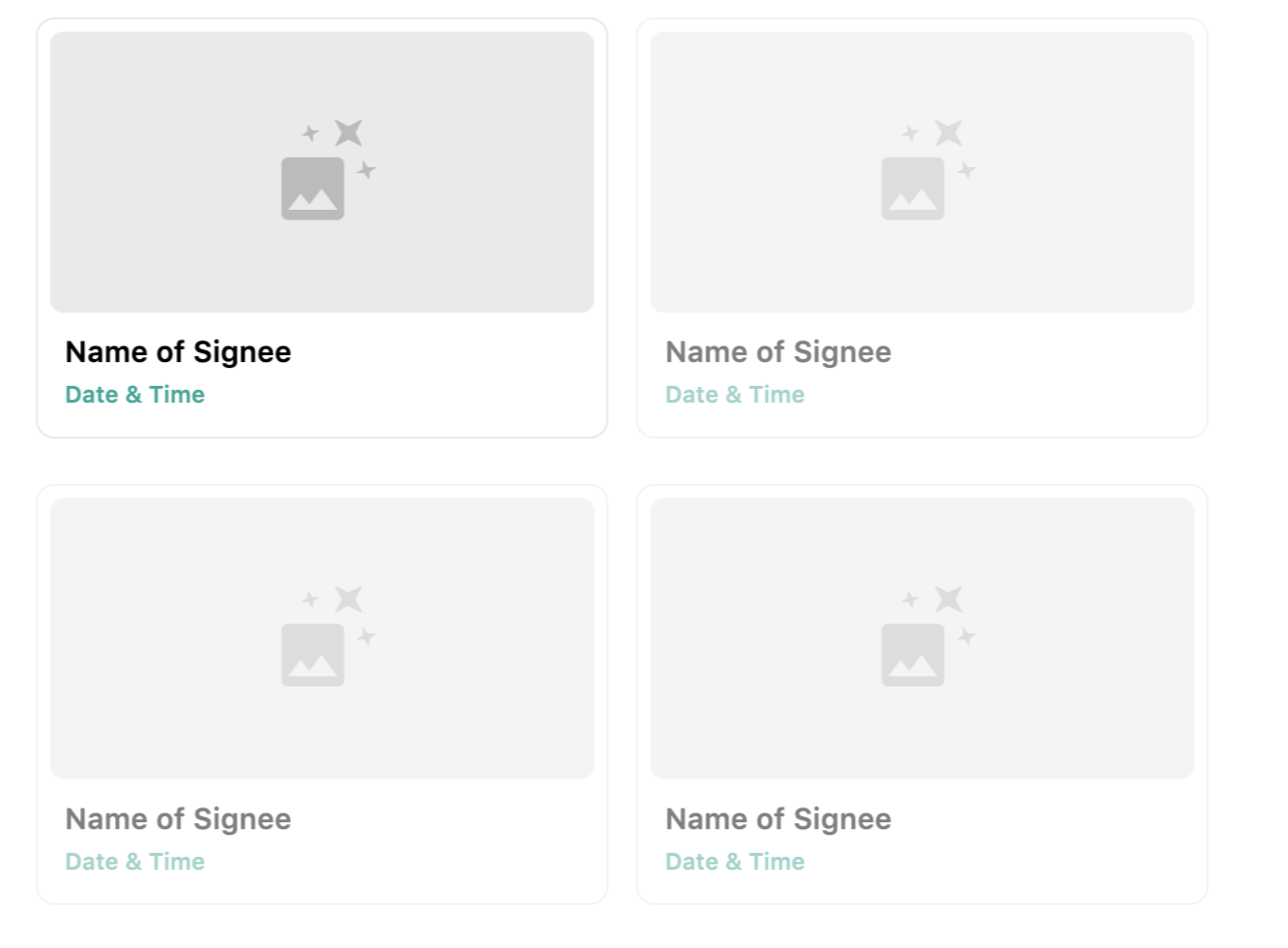
リストコンポーネントは、署名コレクション内のすべての署名を表示します。 各署名画像について、画像ソースはURLです。
---
# Agent Instructions
This documentation is published with GitBook. GitBook is the documentation platform designed so that both humans and AI agents can read, navigate, and reason over technical content effectively. Learn more at gitbook.com.
## Querying This Documentation
If you need additional information that is not directly available in this page, you can query the documentation by asking a question.
Perform an HTTP GET request on the following URL with the `ask` and `goal` query parameters:
```
GET https://help.adalo.com/ja/feature-templates/agree-and-sign/signatures-admin-screen.md?ask=&goal=
```
`ask` is the immediate question: it should be specific, self-contained, and written in natural language.
`goal` is what the user is ultimately trying to achieve, the reason they need the answer. Sharing it helps GitBook give you a better, more relevant answer. A goal is most helpful when it describes the outcome the user wants rather than restating the question. For example, with `ask=how do I create an API token`, a goal like `automate deployments from our CI pipeline` lets GitBook tailor the answer to that use case.
The response will contain a direct answer to the question and relevant excerpts and sources from the documentation.
Use this mechanism when the answer is not explicitly present in the current page, you need clarification or additional context, or you want to retrieve related documentation sections.