> For the complete documentation index, see [llms.txt](https://help.adalo.com/llms.txt). Markdown versions of documentation pages are available by appending `.md` to page URLs; this page is available as [Markdown](https://help.adalo.com/ja/feature-templates/browse-home-listings/listings-screen.md).
# リスト画面
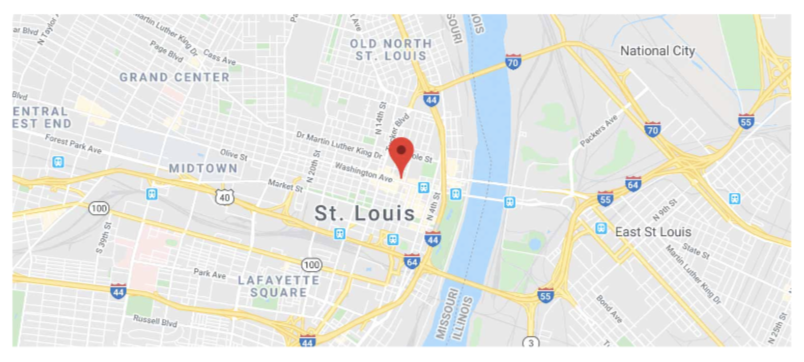
Listings Screen は、特定の場所で利用可能なすべての賃貸物件を表示し、地図上にその場所を示すために使用されます。
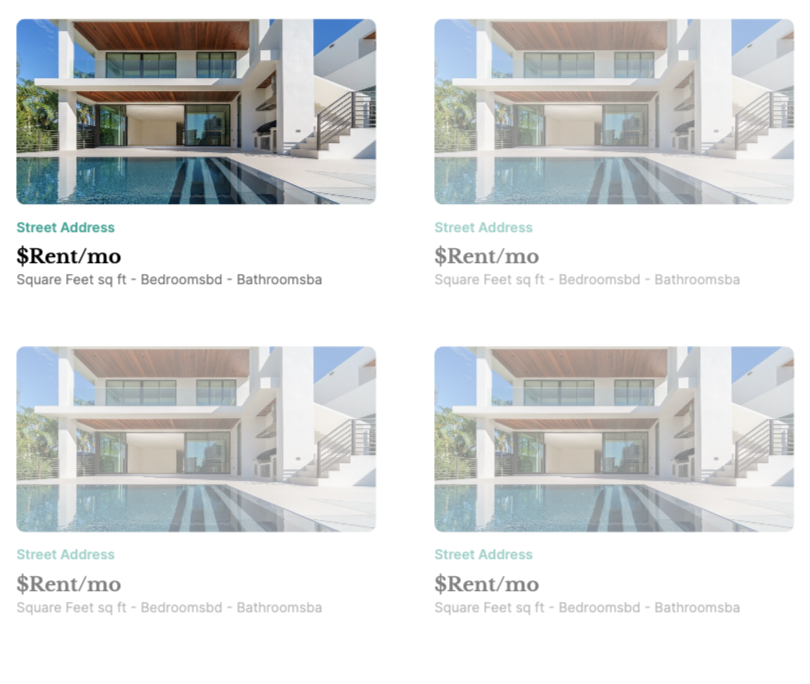
ブラウズホームリスティング機能テンプレートのリスト画面は、場所のプロパティタイプを利用して地図上に場所を表示し、他のジオロケーション機能を活用します。さらに、画面は賃貸可能なホームリスティングを美しく表示するリストで構成されています。
## コンポーネント
### **マップコンポーネント**
マップコンポーネントにはGoogle Maps APIキーが必要です。APIキーが適切に構成されていないと、アプリをプレビューする際にエラーが発生します。
⚡ **マーカーアクション**
* マップ上の個々のマーカーから「リスティング詳細」画面へのリンクアクション
### リストコンポーネント
リストコンポーネントは、ユーザーが迅速にスクロールできるように、一目ですべての関連情報を表示します。表示される情報はデータベースで制御できます。
データベース内のすべてのリスティングがリストに表示されます — フィルターはありません。
⚡ **リストアクション**
* 「リスティング詳細」画面へのリンクアクション
---
# Agent Instructions
This documentation is published with GitBook. GitBook is the documentation platform designed so that both humans and AI agents can read, navigate, and reason over technical content effectively. Learn more at gitbook.com.
## Querying This Documentation
If you need additional information that is not directly available in this page, you can query the documentation dynamically by asking a question.
Perform an HTTP GET request on the current page URL with the `ask` query parameter, and the optional `goal` query parameter:
```
GET https://help.adalo.com/ja/feature-templates/browse-home-listings/listings-screen.md?ask=&goal=
```
`ask` is the immediate question: it should be specific, self-contained, and written in natural language.
`goal` is optional and describes the broader end goal you are ultimately trying to accomplish on behalf of the user. GitBook uses it to tailor the answer towards what is most useful for that goal.
The response will contain a direct answer to the question and relevant excerpts and sources from the documentation.
Use this mechanism when the answer is not explicitly present in the current page, you need clarification or additional context, or you want to retrieve related documentation sections.