# Account Settings Screen
With most applications, it is common practice to offer logged-in users the ability to manage the information that is presented in their profiles. Whether this is something as simple as a user name to more involved details like the user’s address or their profile photo — an account settings feature can manage it all!
With the Account Settings Feature Template, users have the ability to review the information saved about them, as well as update it.
## The Components
### **Side Navigation**
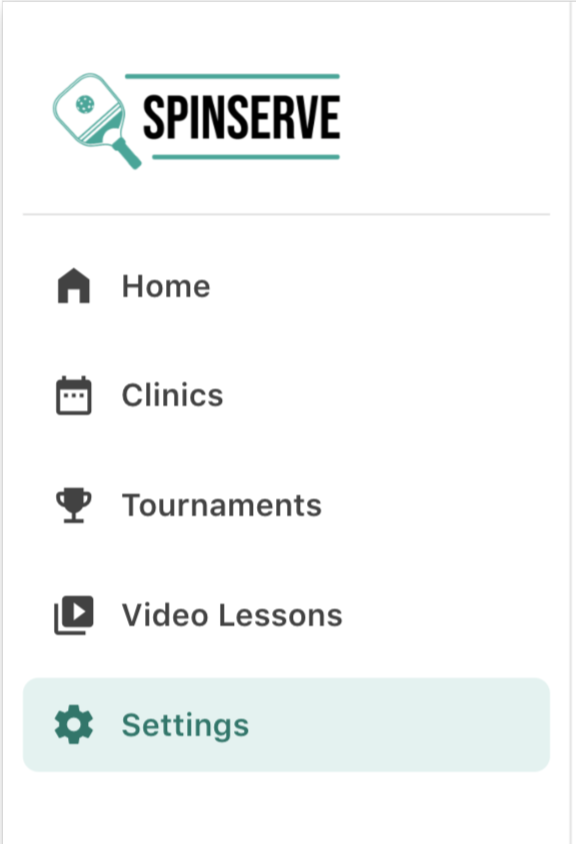
Similar to other feature templates, this feature template showcases the Side Navigation component which is extremely customizable. It’s important to note for this feature template that ‘Menu Item 5’ is the Active Menu Item.
If you would like to change anything about the side navigation — make sure to change the settings on other side navigations presented throughout your app.
### Profile Group
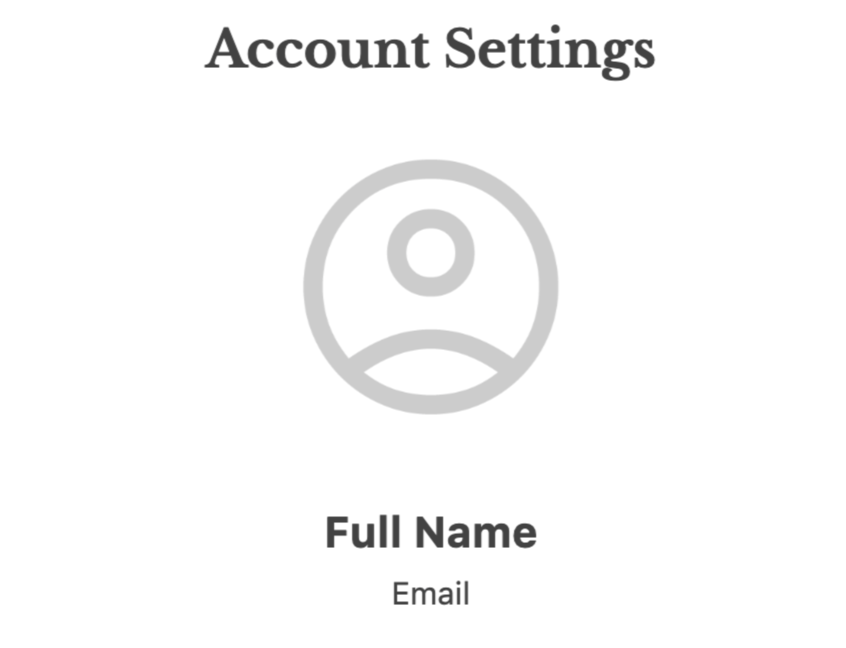
The profile group is made up of several components that are controlled by Magic Text & therefore pull information from the database. The information that is displayed is that of the Logged-In User.
### Form Group
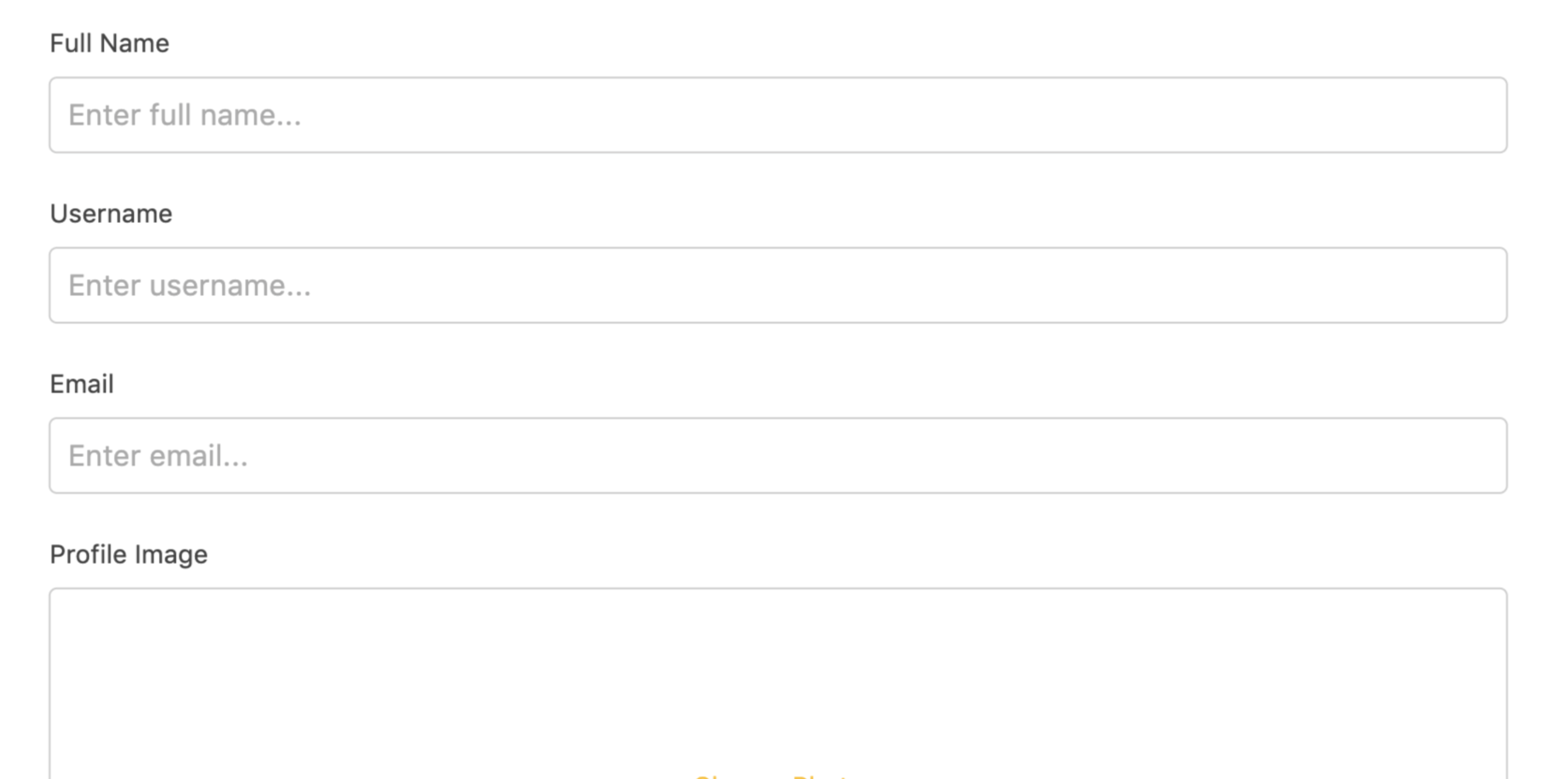
This form is set to Update the Logged In User. A User can change the information available in their profile through this form.
⚡ **Submit Button Actions**
* Update Logged In User
* Link Action to the ‘Success Modal’ Screen
### Sign Out Group
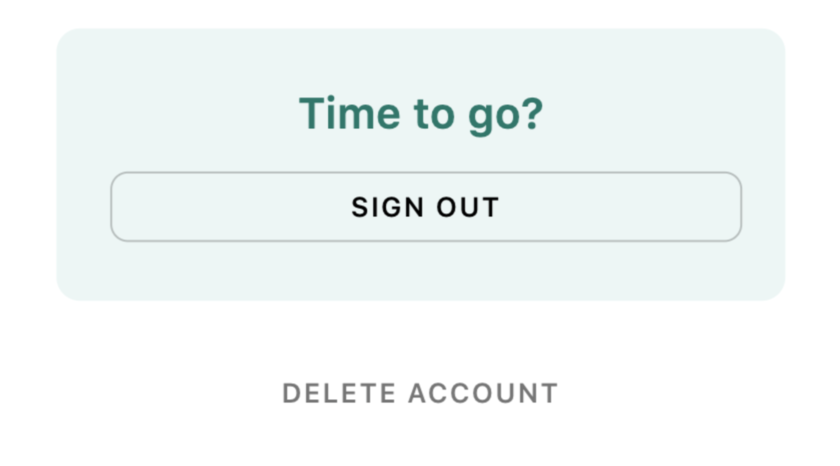
Anytime an app has the ability to log in, the app also needs to offer a way for the user to log out. This is especially important on web-based apps where more than one user may interact with a device.
The group has two distinct buttons — one to Sign Out and one to Delete Account.
⚡ **Sign Out Button Actions**
* Log Out Action
* Link Action to ‘Log In’ Screen
⚡ **Delete Account Button Actions**
* Link Action to ‘Delete Account Confirmation’ Screen