# Listings Screen
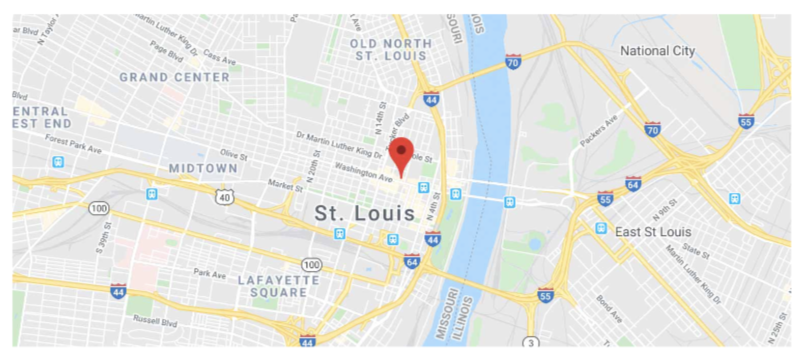
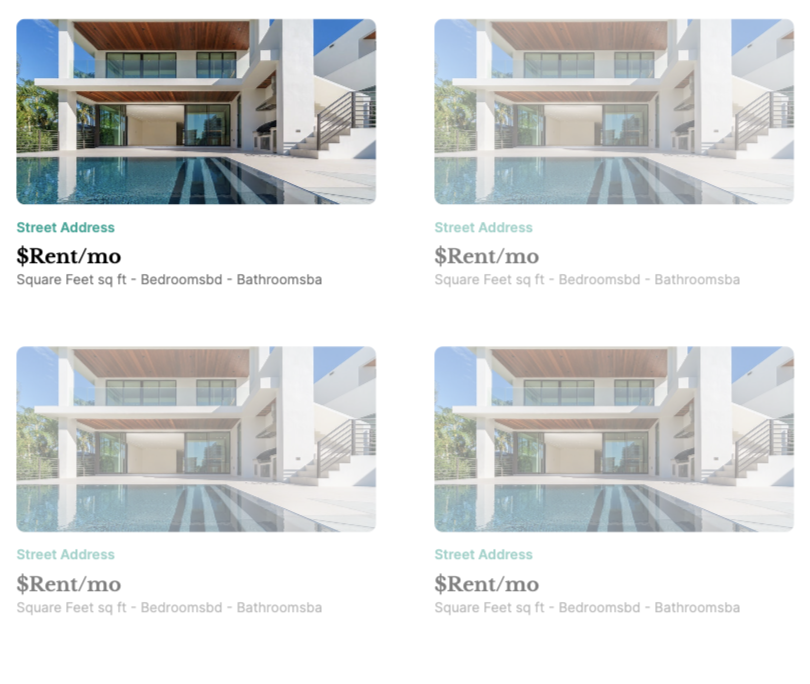
The Listings Screen in the Browse Home Listings Feature Template utilizes our Location property type to display locations on a map and to take advantage of other geolocation functionality. Beyond that, the screen is made up of a list to beautifully display home listings available for rent.
## The Components
### **Map Component**
The Map Component requires a Google Maps API key. Without the API Key properly configured, when previewing the app, you will notice an error.
⚡ **Marker Action**
* Link Action to ‘Listing Detail’ Screen (from an individual marker on the map)
### List Component
The List Component displays all relevant information at a glance for users to quickly scroll through. The information displayed can be controlled in the database.
All Listings in the database are shown in the list — there are no filters.
⚡ **List Actions**
* Link Action to ‘Listing Detail’ Screen