# Modal Image Gallery Screen
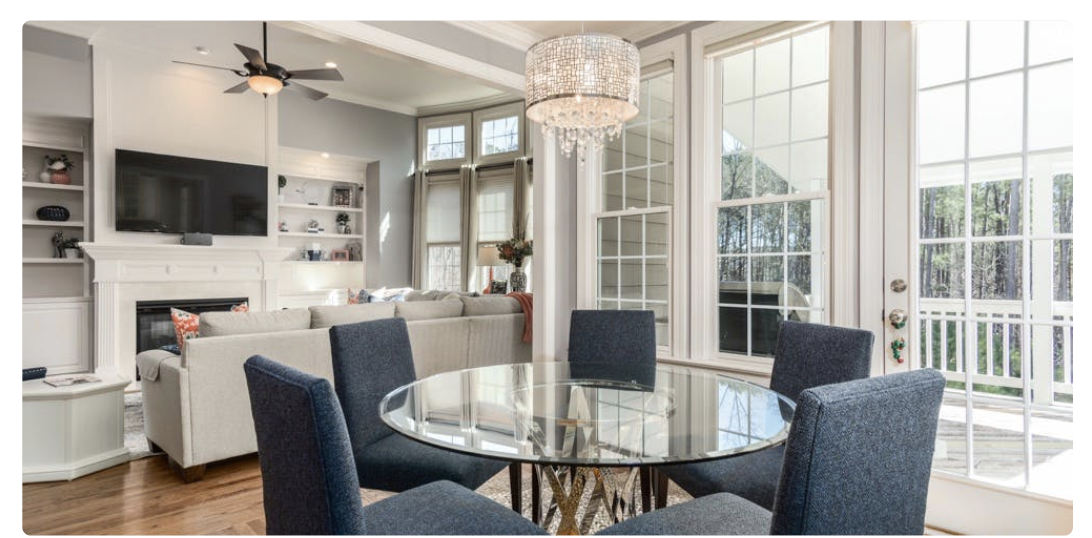
The Modal Image Gallery Screen shows off photos in a fun and interactive way so users can enjoy your photos at a larger size!
## New Components
### **Large Image Component**
The largest photo that is displayed is controlled by the Selected Image property in the Users Collection which is determined by the image that the user selects on the ‘Listing Detail’ Screen.
### Horizontal Card List
This component displays images that scroll right to left, as opposed to up and down that we’re used to seeing from other feature templates.
This list displays the images that are from the Current Listing.
⚡ **List Actions**
* Update User > Selected Image > Listing Photo ID
* This will update the property that controls which image is shown as the large image in the modal.