# Setup Step 2 Screen
This step in profile creation is controlled by a second collection in the database. The relational nature of the collection to the users collection allows for each user to multi-select options to give the administrators more information about the people using their app.
In this case, users are selecting their interests from a list.
## The Components
### **List Component**
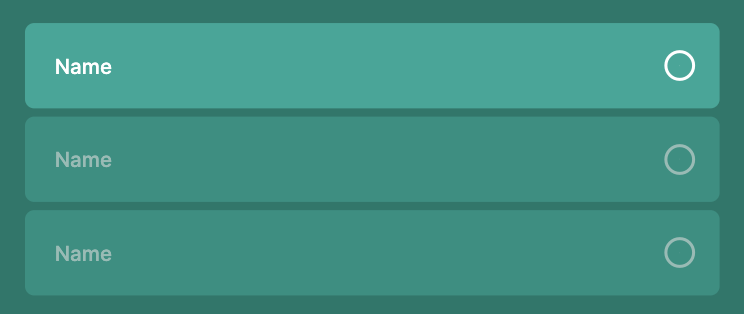
This is a list of ‘Interests’ as specified in the Interests Collection.
The toggle shows a checked circle if the Logged In User is included in that list items Users. The toggle is the ⚡ **Action** for this component.
### Next Button
⚡ **Button Action**
* Link Action to ‘Setup Step 3’ Screen